


Your shelves, boxes, and hard drives tell a story. In 2026, it’s easier than ever to catalog a personal collection that reflects you—without spending a cent.
What do you want from a private catalog: speed, privacy, or deep detail? This guide compares 8 free app approaches, helps you pick the right one for your own archive, and shows practical steps to organize, protect, and search it.
Ready to build a catalog made for personal use, not for show?
Fast shortlist: 8 free options
Below are eight no-cost ways to catalog items privately. Each suits a different kind of personal library, from books to media to one-of-a-kind pieces.
- Barcode scanner app: Rapid capture for books, movies, and games with camera-based lookups.
- Home library manager: ISBN search, reading status, and shelves tailored to a private book collection.
- Media tracker: Catalog vinyl, CDs, cassettes, or digital files with release details and formats.
- Film organizer: Keep DVDs/Blu-rays sorted by edition, region, and runtime with cover art.
- Collectibles database: Track trading cards, miniatures, coins, or hot wheels–style toys with condition and value notes.
- General database app: Build custom fields and forms for anything in your private archive.
- Research-assistant style: Clip web info, attach PDFs, and tag references for a personal knowledge library.
- Spreadsheets template: The simplest “own your data” route for flexible, offline catalogs and CSV exports.
| Free app approach | Personal use case |
|---|---|
| Barcode scanner app | Quickly log large shelves at home with a phone camera. |
| Home library manager | Reading-centric catalog with authors, series, and statuses. |
| Media tracker | Private discography details for your own music archive. |
| Film organizer | Editions, cuts, and regions for a personal film library. |
| Collectibles database | Condition, checklists, and value notes for hobby items. |
| General database app | Custom fields for mixed personal collections. |
| Research-assistant style | Notes + attachments for your private reference library. |
| Spreadsheets template | Maximum control and easy exports for backups. |
If your collection is huge, start with a barcode-first app to blitz input, then refine in a flexible database later.
Pick the approach that feels right for your private routine. You can always switch later by exporting a CSV.

Custom fit: fields for your items
Personal catalogs shine when the fields match what you actually care about. Build the schema around your own habits, not someone else’s template.
- Books: title, author, series, ISBN, edition, format, notes, read status, location at home.
- Music: artist, release, format, pressing, condition, matrix/runout notes, storage box.
- Films: title, edition, cut, region, runtime, subtitles, case type, shelf row.
- Cards/toys: set, variant, year, condition grade, acquisition source, sleeve/box info.
- Mixed items: custom tags, purchase notes, gift markers, repair logs, photo attachments.
Avoid cramming every possible field. Start with 5–8 essentials; add advanced fields only if they solve a real personal need.
If your app supports templates, create one per category. If not, use tags to simulate templates: “Book:Series,” “Film:Region,” “Card:Grade.”
Privacy first: safer personal setups
A private catalog holds details about your home, habits, and valuables. Treat it like a diary: lock it down and keep control of your data.
- Choose apps with offline mode or local storage when your items are sensitive.
- Review the privacy policy for retention, deletion, and data export options (CSV/JSON).
- Limit permissions: camera for scanning, photos for covers; deny contacts/location for a personal inventory.
- Turn on two-factor authentication for any cloud sync; use a trusted password manager.
- If you share with family, use private collections and granular roles, not a global public profile.
Laws like the CCPA let you request access and deletion of your personal information from many services that process user data.
Keep one immutable backup: export a CSV monthly and store it encrypted. If your app supports automatic backups, schedule them.
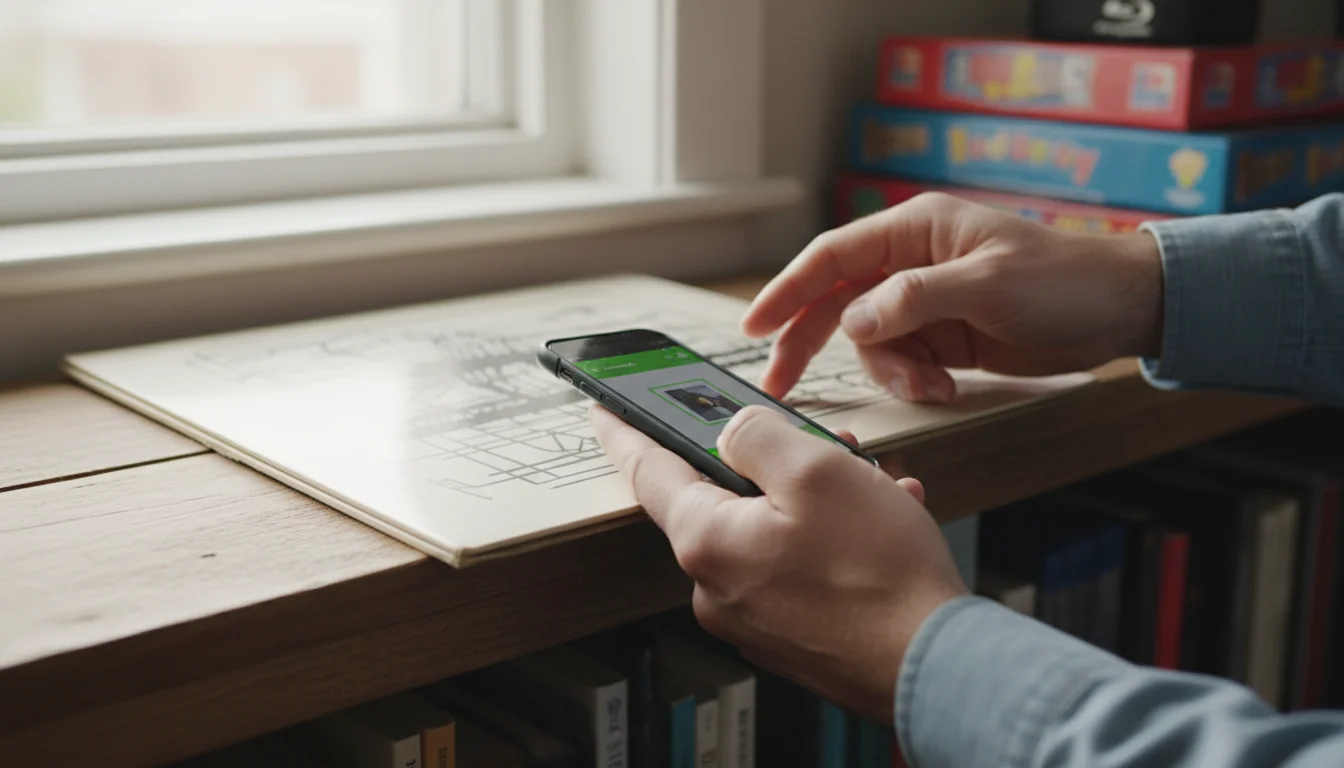
Quick capture: scan and import
Speed matters when you’re cataloging hundreds of items. Combine scanning, batch import, and smart defaults to reduce taps.
- Use a barcode scanner app for ISBN/EAN/UPC; enable continuous scan and auto-fill.
- Add photos in bulk: a clean front shot plus any unique markings or condition issues.
- Batch import: prepare a CSV with title, creator, format, tags, and location for rapid onboarding.
- Duplicate control: turn on “already own?” checks or create a unique ID per item.
- Shortcuts: pre-set location and source for the current shelf before you start scanning.
Catalog in 90‑minute sprints. Tidy one shelf, scan, tag, and back up before moving on.
If your app supports templates or defaults, prefill common fields (format, language) to speed repetitive entries for your private library.
Easy retrieval: tags and filters
A personal catalog earns its keep when you can find anything in seconds. Tags, notes, and saved searches do the heavy lifting.
- Taxonomy: set 5–7 top-level tags (Format, Era, Genre, Condition, Location, Source, Status).
- Notes: store context you’ll forget—gift stories, repairs, lending history, or why it matters to you.
- Saved filters: create “Watch later,” “To grade,” “Duplicates,” and “For trade” for quick views.
- Smart lists: auto-group by criteria (e.g., unrated items, last updated > 90 days).
- Short names: keep tags short and consistent; avoid near-duplicates like “SciFi” vs “Science‑Fiction.”
Saved searches act like dynamic folders. Update an item and it appears in the right list instantly.
If your app supports desktop and web, design your tag system on a larger screen, then use it on mobile for your day-to-day personal use.
Peace of mind: value and proof
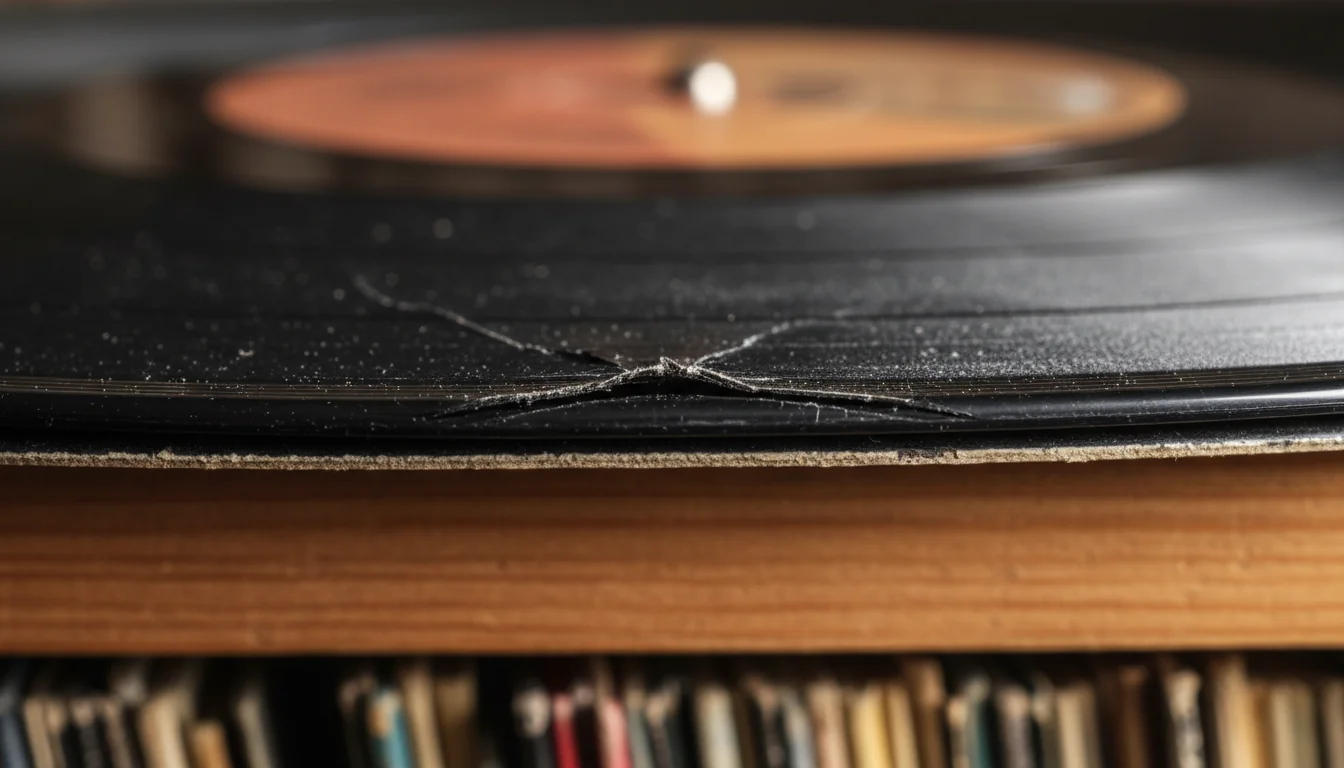
Even if you never sell, value fields protect you. They help with insurance, lending disputes, or simply understanding your own collection better.
- Condition grades: set a standard scale and stick to it; include brief justification in notes.
- Acquisition log: source, date, and price (or gift marker). This is crucial for personal record-keeping.
- Photos as proof: front, back, and any defects. Store high-res originals in a private drive.
- Totals: track counts by category, shelf capacity, and duplicates for decluttering decisions.
- Exports: keep a CSV export ready for claims or sharing a subset with family members.
Marketplace prices fluctuate. Treat any “value” field as informational, not a guarantee.
If your app offers charts, build a simple dashboard: total items, last 30 days added, and top tags. It keeps your private archive alive.
Guide 2026: set up in 5 steps
- Pick an app style. Choose barcode-first, database, or spreadsheets for your personal goals.
- Define fields. Start with 5–8 essentials; add tags for flexible grouping.
- Import fast. Scan barcodes or use a clean CSV to onboard a first shelf.
- Secure it. Enable 2FA, review permissions, and set a monthly export.
- Refine searches. Create saved filters for tasks you do weekly.
Keep logins safe with a password manager. Share vault entries if family helps catalog.
Don’t mix business inventory with your private archive. Separate datasets prevent leaks and confusion.
Why pick a personal-first catalog?
It matches your habits, not a marketplace. You control fields, tags, privacy, and exports. The result is a catalog that fits your life at home, from shelves to storage boxes.
How do free options compare to “all-in-one” tools?
Free tools excel at speed or customization but may limit cloud space or sharing. For private use, that’s fine: start free, keep local backups, and upgrade only if a limit blocks you.
Which app style suits a mixed personal archive?
Use a general database or spreadsheets. Create templates per category and a core tag set. Add photos and condition fields to support value tracking.
Is a spreadsheet enough for Catalog Your Personal Collection?
Yes. It’s portable, private, and easy to back up. Add data validation for formats and tags, and keep a master CSV. You can always import into an app later.
How do I protect sensitive home details?
Prefer offline mode, restrict permissions, and use 2FA. Export monthly and store encrypted copies. Review privacy policies for deletion options and data rights.
Can family members help without exposing everything?
Yes. Use private collections with roles, or separate files per room. Share read-only exports when needed. A family group can split tasks by shelf or category.
Do I need a dedicated barcode device?
No. Your phone camera usually suffices. For marathon sessions, a low-cost Bluetooth scanner can speed up continuous captures at home.
Where can I ask the community for setup help?
Join collector forums and librarian groups. Post screenshots of fields and tags, and ask for feedback. You’ll find templates, scripts, and short Articles with examples.
A great catalog is personal: it mirrors how you think, search, and care for your items in 2026.
- Pick an app approach that fits your private workflow.
- Keep fields lean, tags consistent, and notes meaningful.
- Protect data with exports, 2FA, and limited permissions.
Start small, stay consistent, and let your own catalog grow with you.
0 comments